Toyota RAV4 Rental: What to Check Before You Drive
Your Toyota RAV4 rental may differ from the listing, so check the actual vehicle’s space, controls and fuel or charging needs before leaving the lot.
The ROAM airport deskOctober 11, 20263 min read
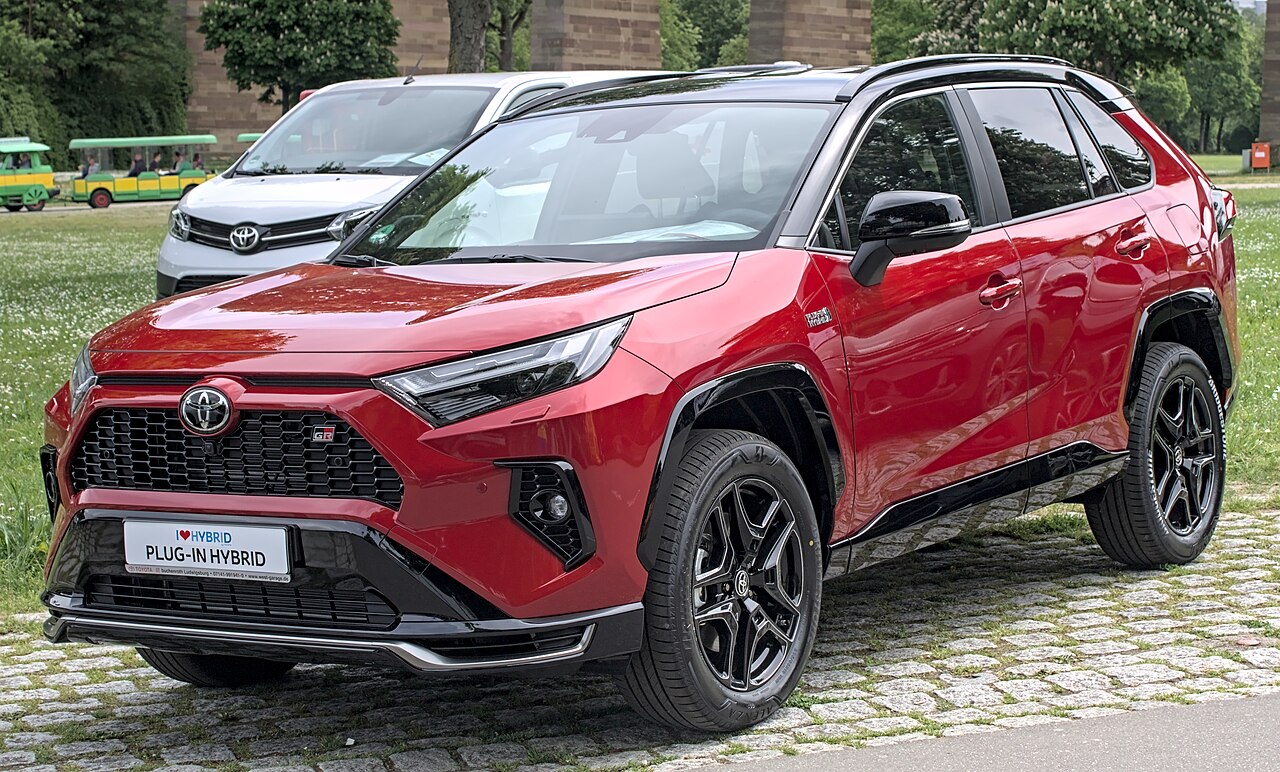
Photo: Alexander-93 · CC BY-SA 4.0 · via Wikimedia Commons
You’ve picked a Toyota RAV4 rental, and now you’re wondering whether you’ll need a charging stop—or just room for everyone’s bags. The useful answer: check the actual vehicle at pickup, not just the listing photo. Keep “or similar” in mind; don’t treat a RAV4 listing as a promise of that exact model, model year or equipment.
A RAV4 is worth considering when you want an SUV for everyday driving and a trip with passengers and luggage. Before choosing that vehicle class, think about who needs rear-seat space and which bags must stay out of sight. At pickup, try your real luggage with the seats you’ll use still upright. A cargo-volume number won’t tell you whether your particular suitcases fit.
The model year matters, especially for fuel planning. Toyota says its 2026 RAV4 lineup offers Hybrid and Plug-in Hybrid versions. That does not establish what you will receive at pickup. Ask staff to identify the actual vehicle’s powertrain; do not assume it is fully electric because you see the word “electrified.”
A regular hybrid doesn’t need you to plug it in; a plug-in hybrid adds a battery you can charge externally and also uses gasoline. Before leaving, confirm which version you have, the specified fuel grade and the rental agreement’s return-fuel requirements. If it’s a plug-in, also ask about any return-charge requirement, charging instructions and whether a cable is supplied. Use the actual vehicle’s fuel-door label or manual rather than specifications from another country.
Give yourself a parked walkthrough before joining airport traffic. Adjust the seat and mirrors, then locate the gear selector, parking brake, headlights, wipers, hazard lights and windshield defroster. Ask staff to demonstrate starting, selecting a gear and shutting the vehicle down if anything feels unfamiliar. Also find the fuel-door release and, if applicable, the charging port before you need them.
Set up navigation while you’re still parked. Toyota’s Apple CarPlay guide explains that compatible systems can put iPhone directions, calls and audio on the vehicle’s multimedia display, but it doesn’t confirm the equipment in your particular rental. Bring your phone’s cable and check the available ports rather than relying on wireless pairing. If connecting doesn’t work, ask for help before setting off.
Check any camera displays and driver-assistance controls fitted to your vehicle, and ask what unfamiliar dashboard symbols mean. Don’t assume equipment shown in a new-model review is present on your rental. If a warning remains on or a control won’t respond as expected, have staff address it before you leave rather than trying to diagnose it on the road.
Finish with a walkaround, photos of the vehicle’s condition and a check of the displayed fuel and, where relevant, charge level against the paperwork. Save the rental company’s help number and confirm your return instructions. These final checks help prevent surprises at the end of your rental.
Keep reading