Renting a Chevrolet Tahoe: Seats, Bags and Pickup Checks
Renting a Chevrolet Tahoe can suit a group trip, but check the actual seating, luggage space, fuel type and controls before leaving the rental lot.
The ROAM airport deskOctober 11, 20263 min read
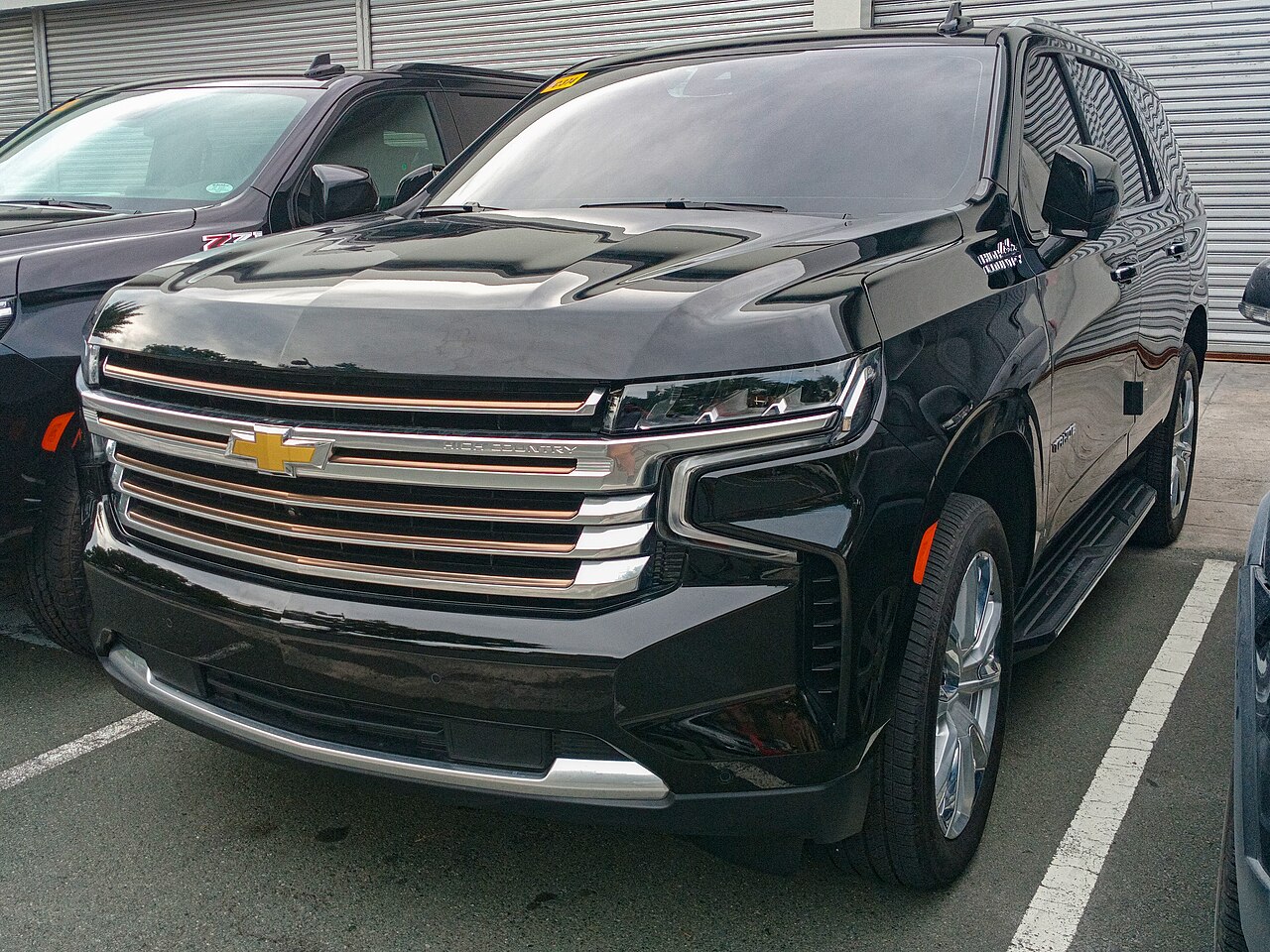
Photo: Ethan Llamas · CC BY-SA 4.0 · via Wikimedia Commons
You've got a group, everyone's suitcase, and a reservation that says “Chevrolet Tahoe or similar.” Is it enough SUV? Renting a Chevrolet Tahoe makes sense when you need three rows, but the useful answer is to check people and bags together—not separately. “Or similar” isn't a promise of a Tahoe, so apply the same checks to whatever vehicle you're assigned.
The Tahoe is a full-size, three-row SUV. It suits a family or group that needs extra seating, especially when you can leave some seats folded for luggage. Don't assume every Tahoe has the same seating layout: confirm the actual number of seats and seat belts before accepting the keys. If you're bringing child seats, ask to check the seating positions and installation guidance before loading everything else.
The big cargo number needs context. Chevrolet lists 122.7 cubic feet behind the first row, but 25.5 cubic feet behind the third row. That maximum figure isn't the space available with all three rows carrying passengers. Neither measurement guarantees a particular suitcase count. Try your actual bags with every seat you need upright, and ask about another vehicle if the load won't fit securely.
Before you pull out, adjust the seat and mirrors, then ask the attendant to show you the gear selector, parking brake, headlights, wipers and defroster. Locate the fuel-door release or opening method, and practice opening and closing the liftgate while parked. Rental vehicles can differ in model year and equipment; a quick demonstration is more useful than assuming a video of a newer Tahoe matches yours.
Check the features your passengers will actually use. Try the second- and third-row access, seat-folding controls and rear climate controls, if fitted. Pair your phone and set your route before moving. Chevrolet advertises a large touchscreen and driver-assistance technology on newer Tahoes, but verify what's installed and how it works on your assigned vehicle. Don't treat an unfamiliar assistance feature as a substitute for driving attentively.
Plan for fuel stops rather than charging: the 2026 Tahoe lineup described by Car and Driver includes gasoline V8 engines and an optional diesel engine. Don't guess which fuel your rental takes—or assume every gasoline version uses the same grade. Check the fuel label and vehicle guidance, and ask the rental company if anything is unclear. Also confirm the required return fuel level and photograph the gauge at pickup.
Give yourself time to get comfortable with a full-size SUV. Check clearance signs before entering garages, and ask for help confirming the vehicle's height if you're unsure. While parked, identify any camera or parking-assistance controls and understand their limits. Walk around the vehicle, photograph existing damage, and have the rental company record any concerns before you leave.
Bring your driver's license and reservation details so you can compare the assigned vehicle with what you booked. Before loading up, settle any seating, luggage or fuel questions with the rental desk; if something doesn't work, ask staff to demonstrate it or discuss an alternative. These steps help ensure a full-size SUV is the right fit for your group.
Keep reading